PHP released critical security updates today: 8.2.35, 8.3.36, 8.4.27, and 8.5.12 . See the official PHP announcement for details.
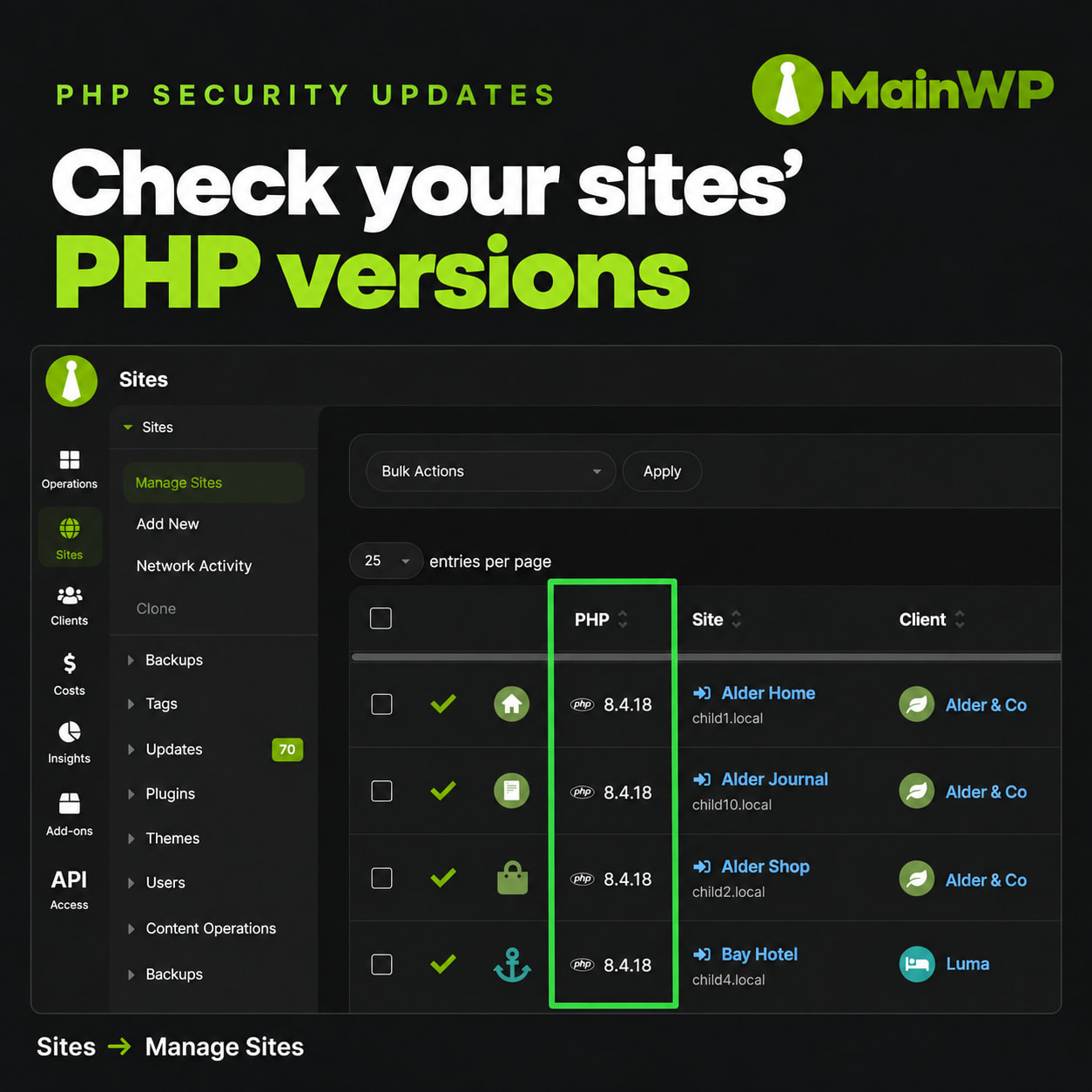
You can quickly review your sites’ PHP versions in your MainWP Dashboard . Sync your sites, then go to Sites → Manage Sites , open Page Settings in the top-right corner, enable PHP under Show columns , and click Save Settings .
This displays each site’s reported PHP version in the table so you can identify sites needing attention and check with your hosting provider about the security updates.