Solid Security has a feature where if the site scanner detects a critical vulnerability in a plugin or theme, it will auto update it for you. I use this on all my sites. The data comes from Patchstack.
In the SS log if I open the critical vulnerability report, I can see a status message like “The plugin was automatically updated on March 26, 2026 at 11:58pm”.
Indeed the plugin was updated.
But when I open the Child Reports log, there is no mention of the plugin being updated. It doesn’t get into the report or the log.
This is either a bug or a feature request, but Child Reports needs to be able to detect the plugin was updated so it can go in the log and reports.
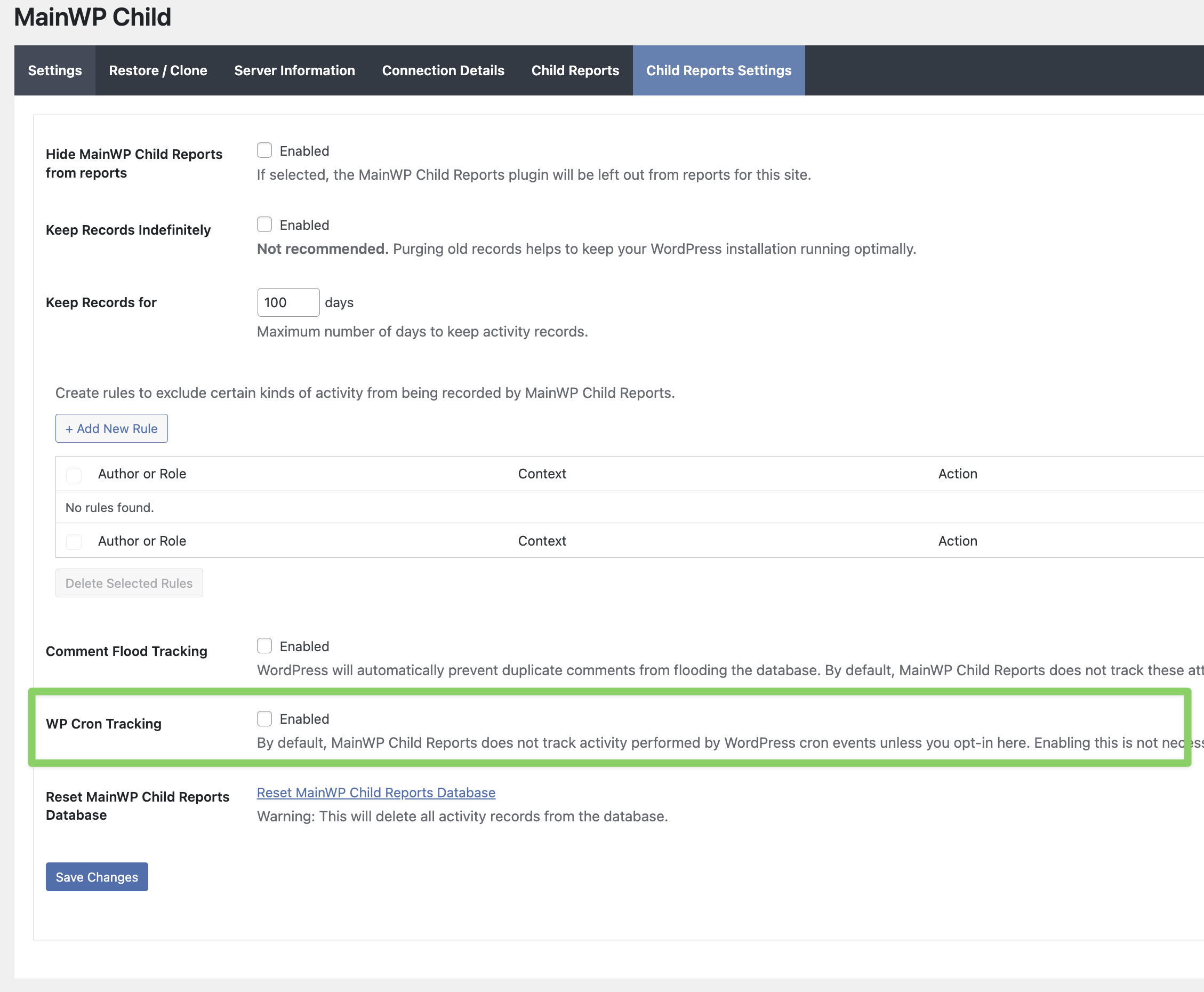
Solid Security is performing that update automatically in the background via WordPress cron, not as a direct user-initiated update.
By default, MainWP Child Reports does not track WP-Cron activity, so those auto-updates will not appear in the Child Reports log or report unless WP Cron Tracking is enabled in the Child Reports settings.
Ok that makes sense, there is a lot of gunk that CRON does that would be useless in the log.
Even so, it’s more a matter of importance in this case. In other words, logging when plugins or WP or a theme updates is generally a good thing to log, regardless what triggers it.
A lot of “bad” things can happen to a site via CRON and without monitoring those significant changes, we lose that logging to look for it. So now I’m stuck either having to enable CRON and get a ton of nonsense, or disable it and miss out on important changes.
Please feel free to make a suggestion about this on our feedback site.
That way, others can vote for it, letting us know which features our users want the most: https://voice.mainwp.com
WordPress® is a registered trademark of the WordPress Foundation, and WooCommerce® is a registered trademark of WooCommerce, Inc. MainWP is an independent product and is not affiliated, associated, or endorsed by the WordPress Foundation, WooCommerce, Inc., or Automattic Inc., except where noted under the Jetpack® API and Trademark License Agreement. All product names, logos, and brands are property of their respective owners and are used for identification purposes only.