Hi!
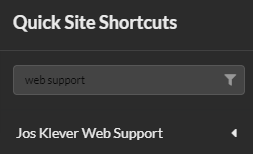
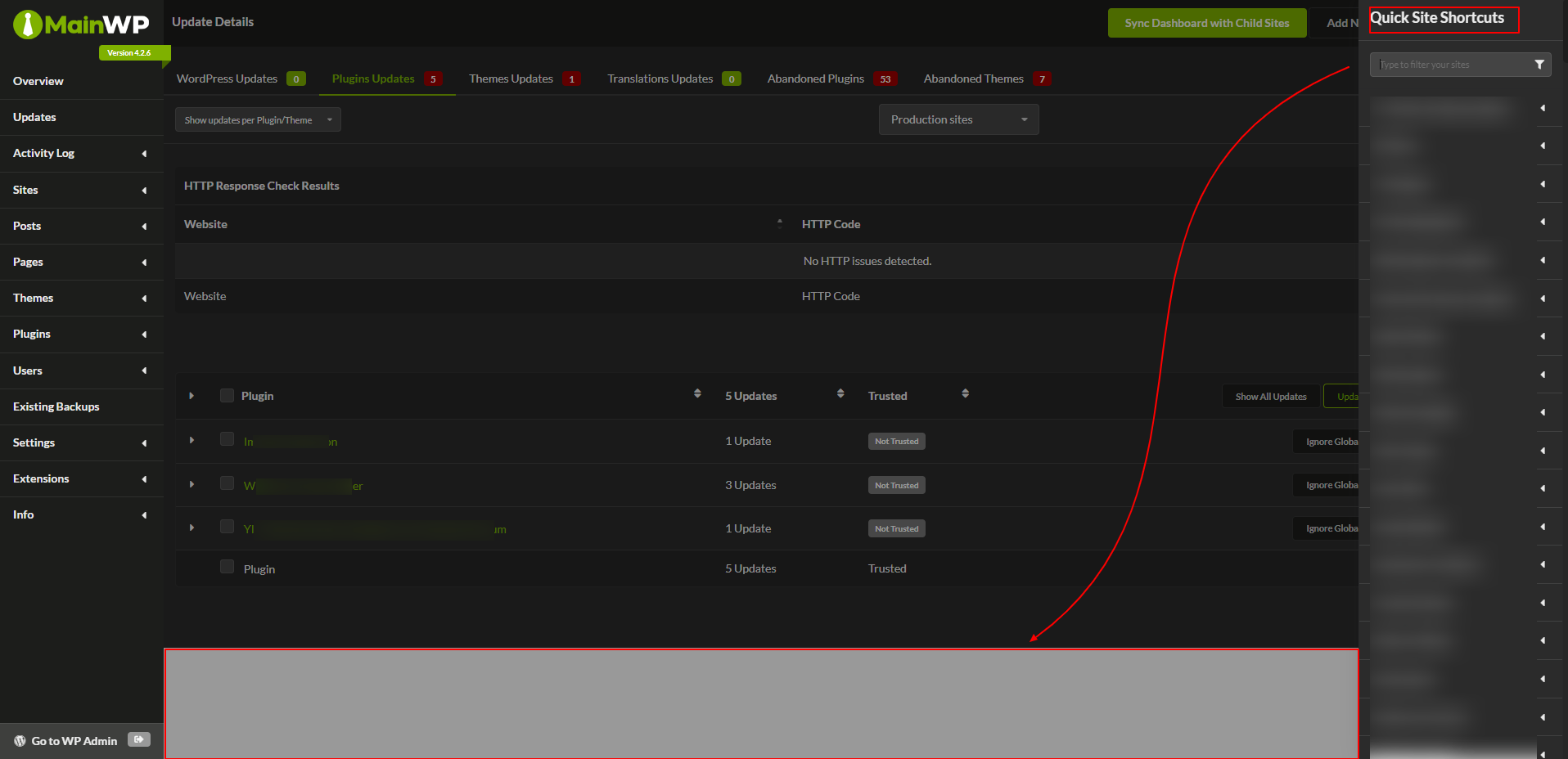
I’ve switched to the dark mode theme via the Custom Dashboard Extension, but I found a bug. When I open the Quick Site Shortcuts bar, the bottom of the page becomes white (grey when the bar is open due to an overlay). This is caused by the CSS from the file
/mainwp/assets/js/fomantic-ui/fomantic-ui.css
body.pushable > .pusher {
background: #FFFFFF;
}
Improvement suggestion
The checkboxes in dark mode have very little contrast, so that could be improved a bit: