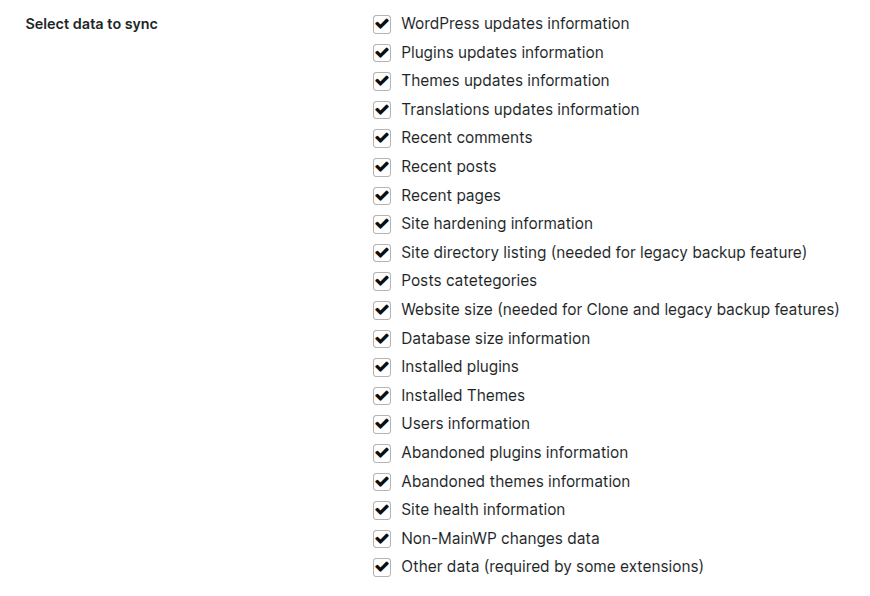
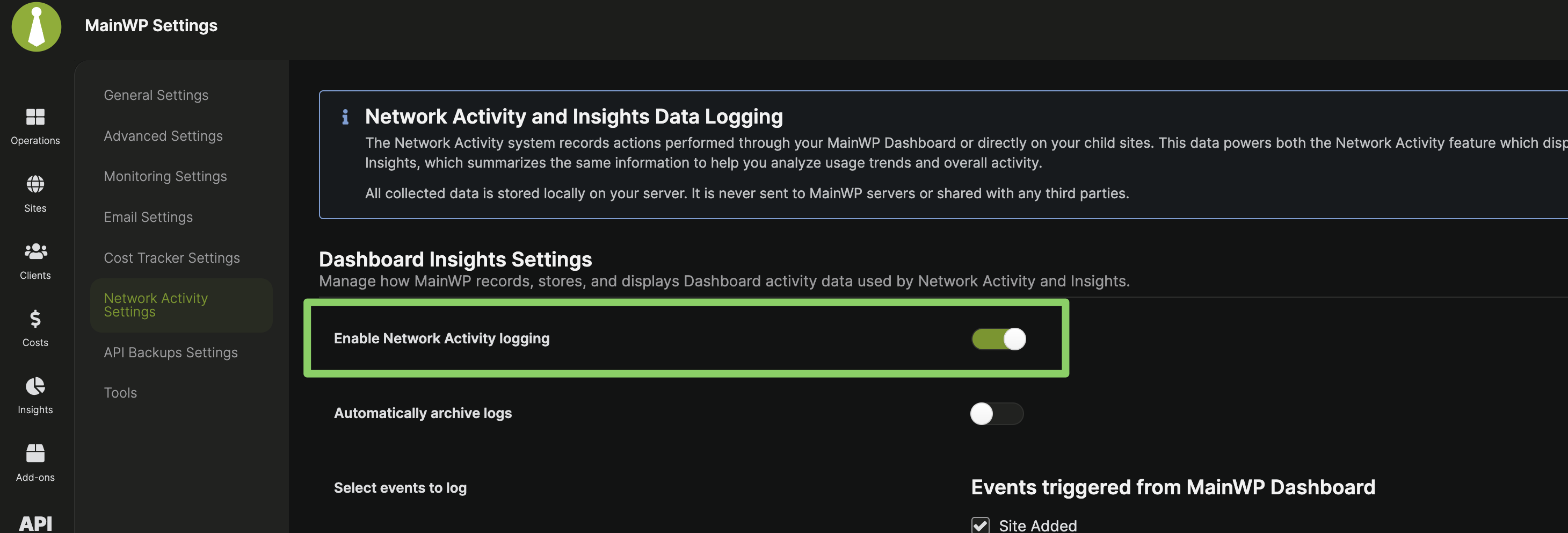
We are looking into tying this toggle to the logging on the child site side as well. So in the future, the user who don’t want to have any logging on the child site, would just toggle this off.
Hi @bojan, sorry to hijack this thread, but I’m seeing the same pattern across all of my sites: after upgrading to the latest MainWP Child version (6.0.0) on February 25th, the wp_mainwp_child_changes_logs and wp_mainwp_child_changes_meta tables have started to grow exponentially across all of my sites. On some of my more active WooCommerce sites, the wp_mainwp_child_changes_meta table has now got over 16.000.000 records (!), totalling 2.6GB in size, and we’ve not even reached the 30-day truncation moment. This definitely wasn’t happening before the 6.0 version.
We’ve added more logging data points in v6.0, which explains the increased growth.
Right now, the Network Activity logging cannot be completely disabled on the Child Sites. However, the retention period can be shortened as explained earlier in this thread.
Please check `/wp-admin/admin.php?page=SettingsInsights` and disable all the log items you’re not interested in. Especially the Cron logs at the bottom of the list can generate a lot of rows.
Does what’s selected in the Dashboard under Network Activity Settings affect what gets logged on the child sites? Or is everything always logged on the child sites, and the settings are just there to show or hide certain things in the Dashboard?
If I can use this to control what gets logged on the child sites, then I’ll go ahead and remove a few non-essential things.
I’m not sure about that, but at least it will help to stop growing the MainWP Dashboard’s database.
You’ll have to check what’s in the database on the child site to see if that needs cleaning. I’m managing 330+ sites and haven’t had serious issues yet with databases on child sites that became a problem. But once in a while I’ve optimized those mainwp tables to free up some space. My issue was mainly on the dashboard’s database.
I was actually more concerned about child sites. With WooCommerce sites, things can really pile up quickly. But I just tested it by disabling “Viewed a post” in the Network Activity Settings and then no more events were logged for that on the child site. So I’ll go through these settings and remove some of them I don’t need.
When I see large tables, I often make queries that count the records per type or something, so I can see what the main cause is and if that can be optimized.
I’ve been testing the snippet above for a few days now, and it works.
WordPress® is a registered trademark of the WordPress Foundation, and WooCommerce® is a registered trademark of WooCommerce, Inc. MainWP is an independent product and is not affiliated, associated, or endorsed by the WordPress Foundation, WooCommerce, Inc., or Automattic Inc., except where noted under the Jetpack® API and Trademark License Agreement. All product names, logos, and brands are property of their respective owners and are used for identification purposes only.