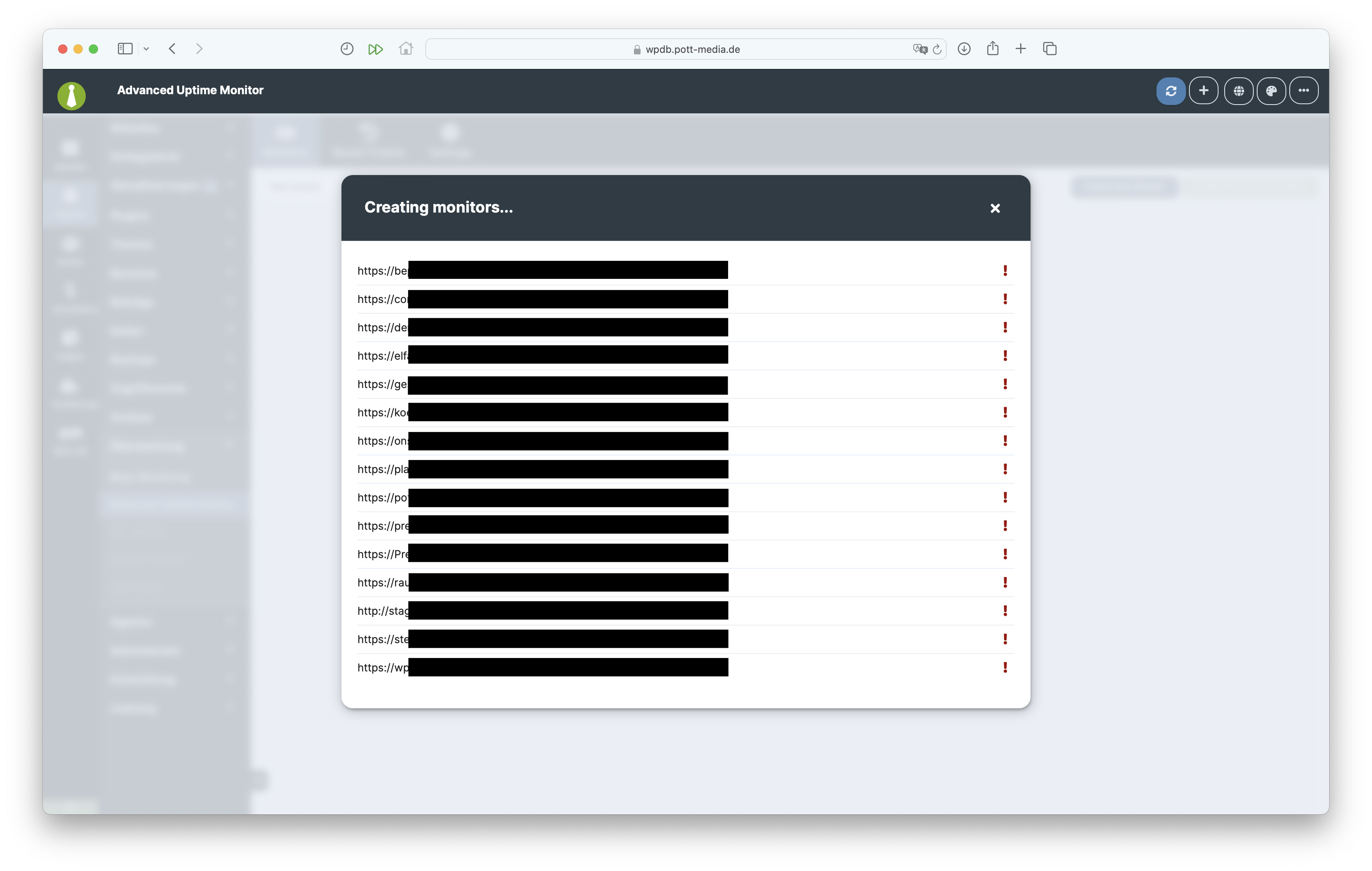
Hi, i have installed the advanced uptime monitor extension and hav e connected the api to uptime robot.
in uptime robot i have bought the “solo” plan, because i have used 15 websites in mainWP and above the limited 10.
But i can’t import the sites in uptime robot.
I assume that the screenshot shows the popup modal after you click the “Create Monitors for All Sites” button?
Can you try creating just one monitor with “Create New Monitor” button and see if that works?
Also, can you please post the community system report from your MainWP Dashboard for review? The report is located in your Dashboard under Info → Server, on the top right of the page.
Be sure to use the button like the one below; this button hides all your private information:
Pressing the button auto-copies the report to your clipboard then just paste it in a reply here.
Hi, thanks for answering.
Both options didn’t work.
When i want to add One Monitor, i can’t save it, because it seems that options are not available for creating.
After you fill out the information in that popup window, clicking Create Monitor should save it, or rather create a monitor.
However, not being able to create a monitor in bulk is an issue regardless.
For that, please open a private Help Desk ticket so we can collect some additional information & investigate further.
And please refer to this Managers thread by its URL in the ticket.
WordPress® is a registered trademark of the WordPress Foundation, and WooCommerce® is a registered trademark of WooCommerce, Inc. MainWP is an independent product and is not affiliated, associated, or endorsed by the WordPress Foundation, WooCommerce, Inc., or Automattic Inc., except where noted under the Jetpack® API and Trademark License Agreement. All product names, logos, and brands are property of their respective owners and are used for identification purposes only.