Thank you for reporting this to us.
The development team will investigate the issue further, and we will update this thread once we have more information.
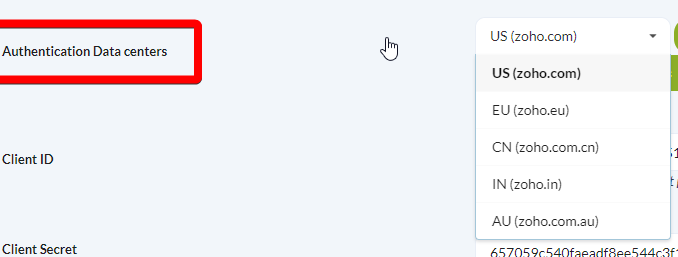
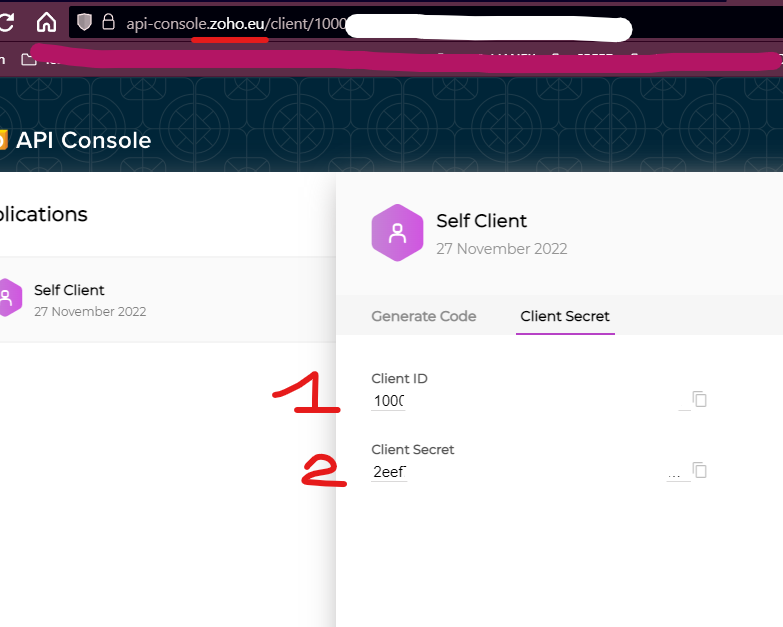
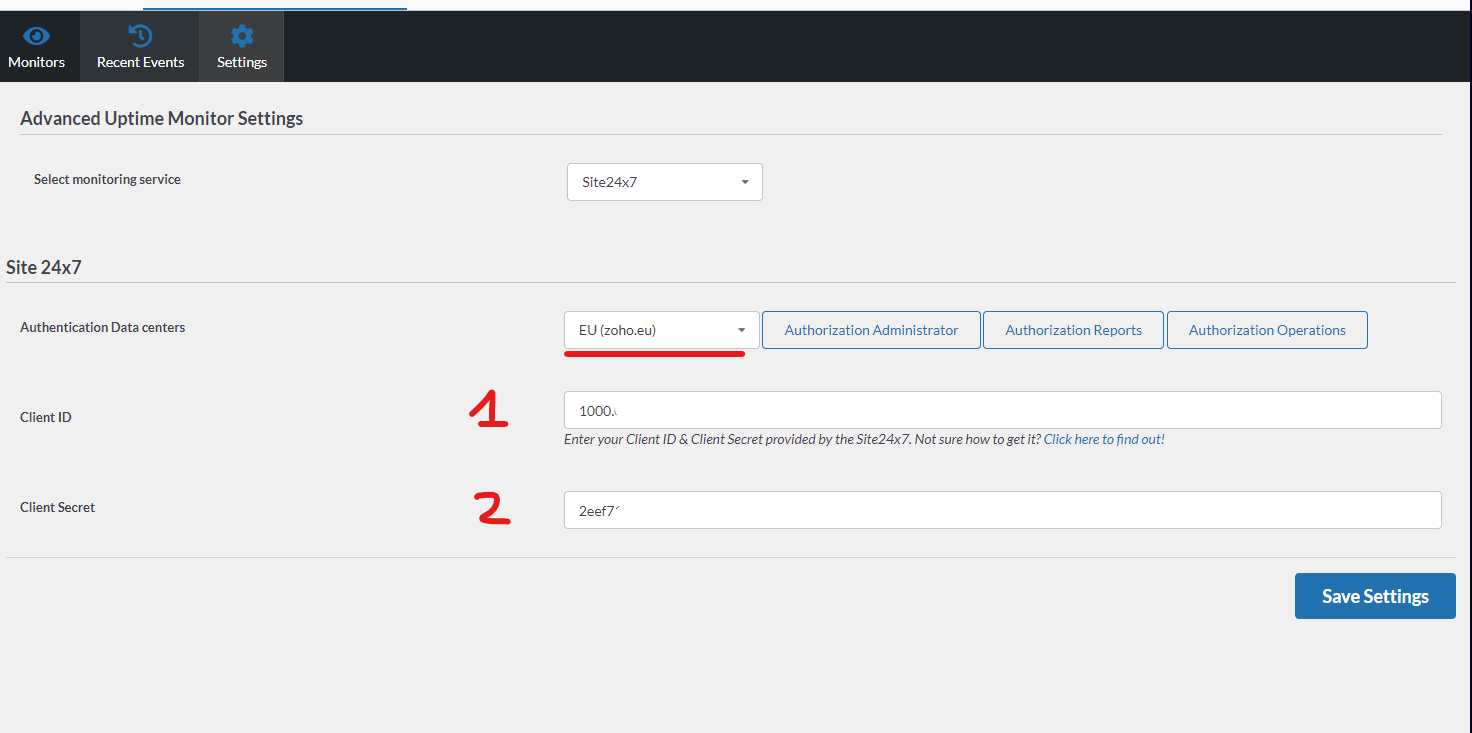
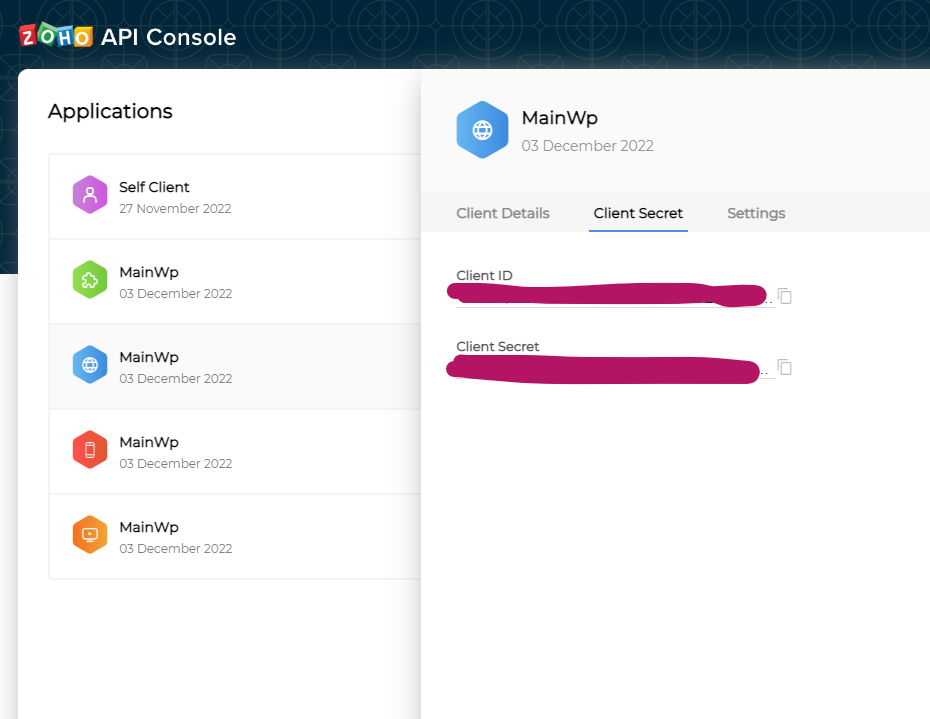
The Authentication Data Center selected here should match the domain of the Zoho site where you created the API key. For example: https://api-console.zoho.com/
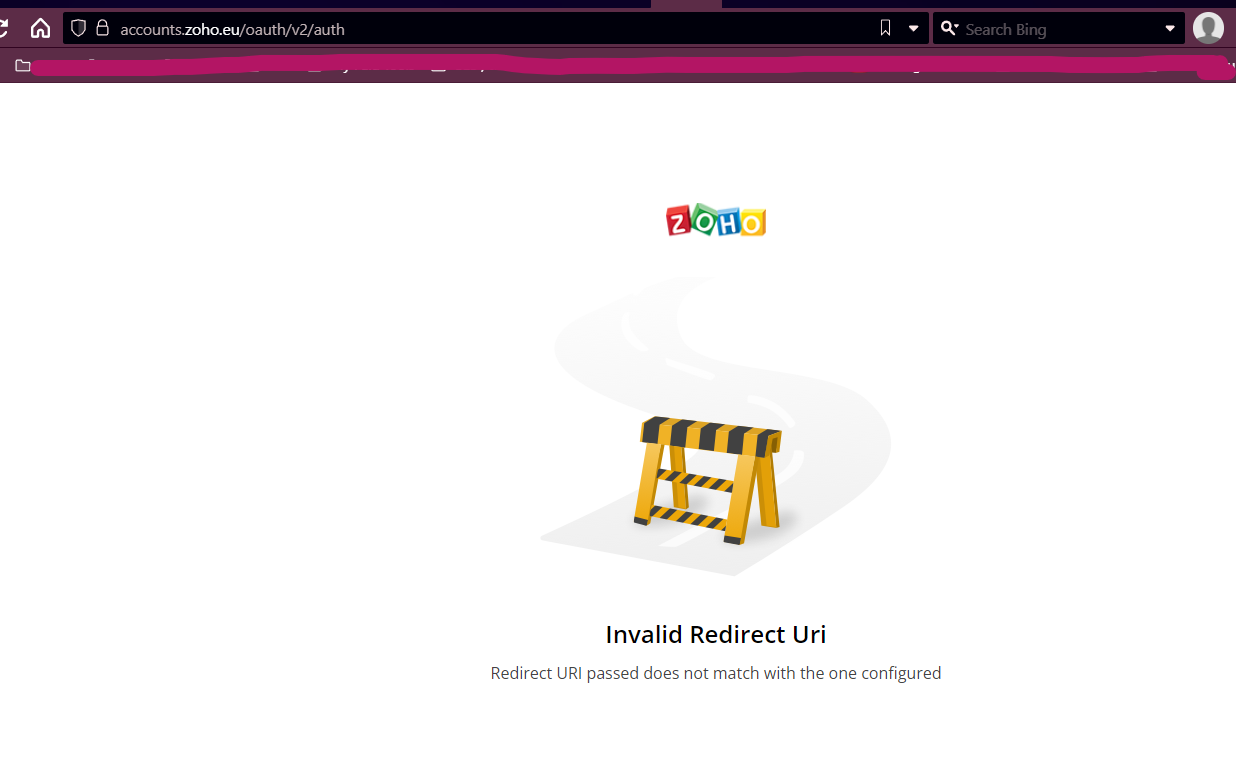
i have tried all of those “applications” and none of them seems to work, but at least now I get to the screen with authorization.
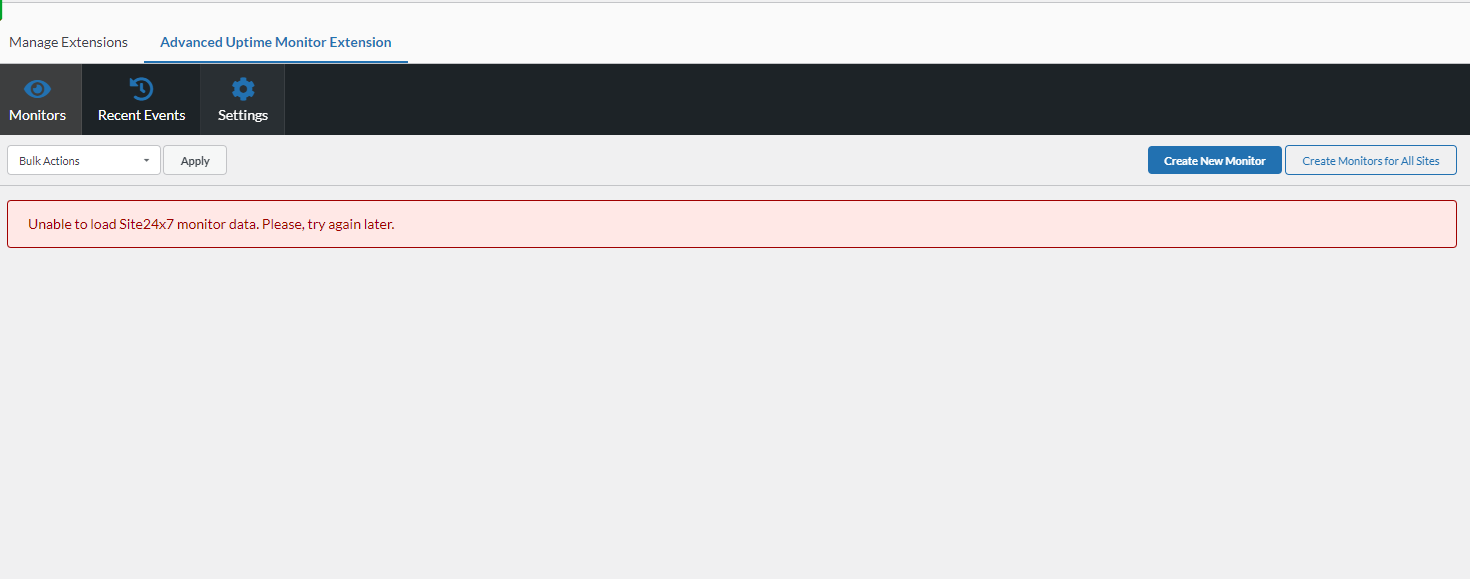
New problem is that the monitors do not show up. Adding monitors also does not work.
Creating new monitors within the extension is not possible with a free 24x7 plan due to their API limitation.
As for the inability to load existing monitor data in the extension - would you mind opening a private Help Desk ticket so we can collect some additional information & investigate further?
WordPress® is a registered trademark of the WordPress Foundation, and WooCommerce® is a registered trademark of WooCommerce, Inc. MainWP is an independent product and is not affiliated, associated, or endorsed by the WordPress Foundation, WooCommerce, Inc., or Automattic Inc., except where noted under the Jetpack® API and Trademark License Agreement. All product names, logos, and brands are property of their respective owners and are used for identification purposes only.