I’ve noticed for quite some time now that “Advanced Uptime Monitor” is no longer displaying accurate data from Uptime Robot. Older sites are all showing 100%, even if they were offline at times.
Newly added sites are displayed as “Up” but the graph for the last 24 hours remains empty, even though the sites were added a few days ago.
The API key is correct. I have checked that. And when I add new sites via MainWP, they are also added to Uptime Robot. But for some reason, the retrieval of statistics seems to be disrupted.
How many sites do you have in the Advanced Uptime Monitor and do you have a free or paid Uptime Robot account?
The free accounts have pretty strict API rate limits.
Free Uptime Robot accounts a rate limit of only 10 requests per minute .
Requests include creating new monitors through the MainWP extension, but also fetching information about existing monitors.
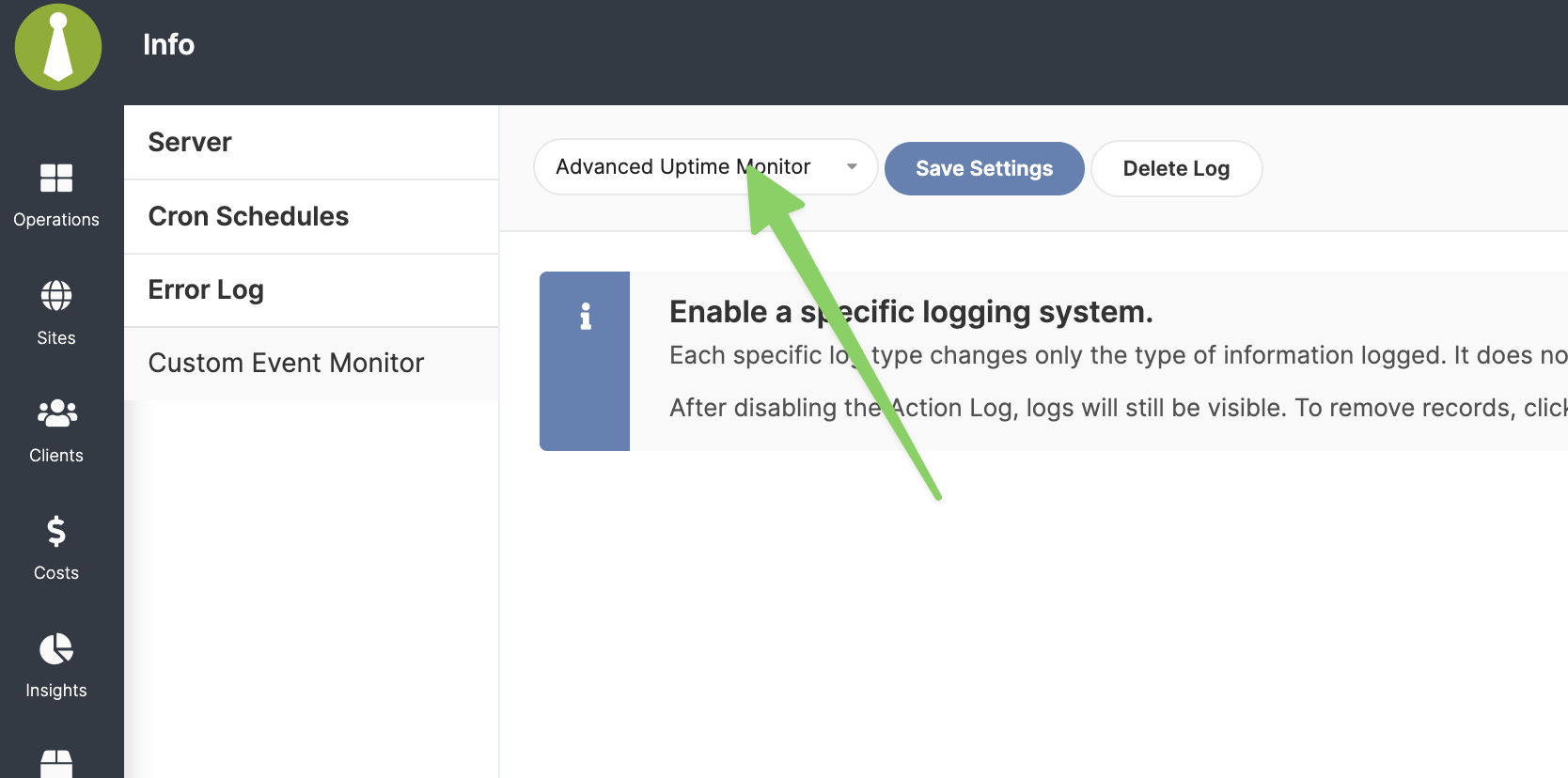
Can you please navigate to this page wp-admin/admin.php?page=ActionLogs, set the logging to “Advanced Uptime Monitor” and save settings. Delete any existing logs.
Thanks for the logs. I am not seeing any evidence of the API rate limits in them.
Would you mind opening a private Help Desk ticket so we can collect some additional information & investigate further?
Please refer to this Community thread by its URL in the ticket.
WordPress® is a registered trademark of the WordPress Foundation, and WooCommerce® is a registered trademark of WooCommerce, Inc. MainWP is an independent product and is not affiliated, associated, or endorsed by the WordPress Foundation, WooCommerce, Inc., or Automattic Inc., except where noted under the Jetpack® API and Trademark License Agreement. All product names, logos, and brands are property of their respective owners and are used for identification purposes only.